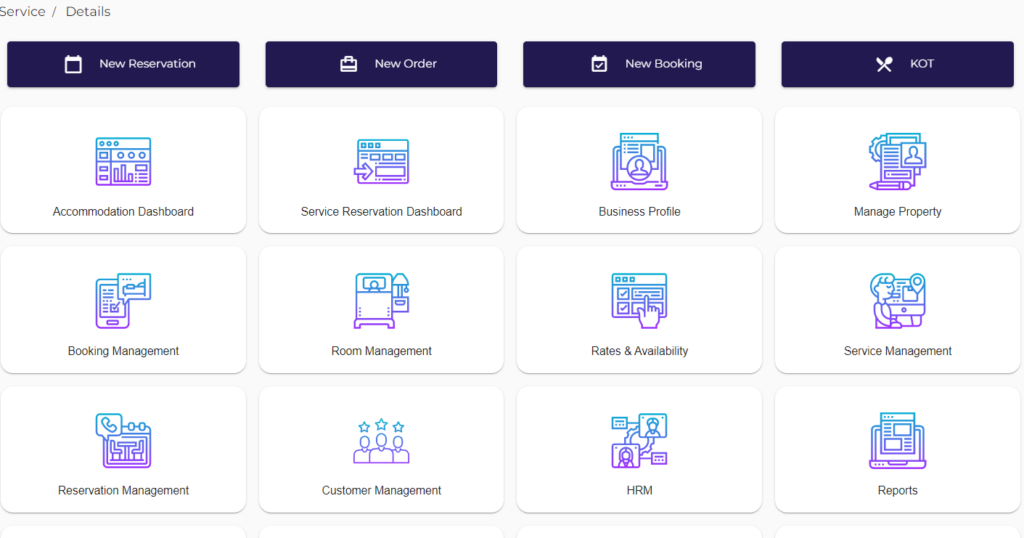
Login to App
- Go to Our Website- https://bookonelocal.in/#/
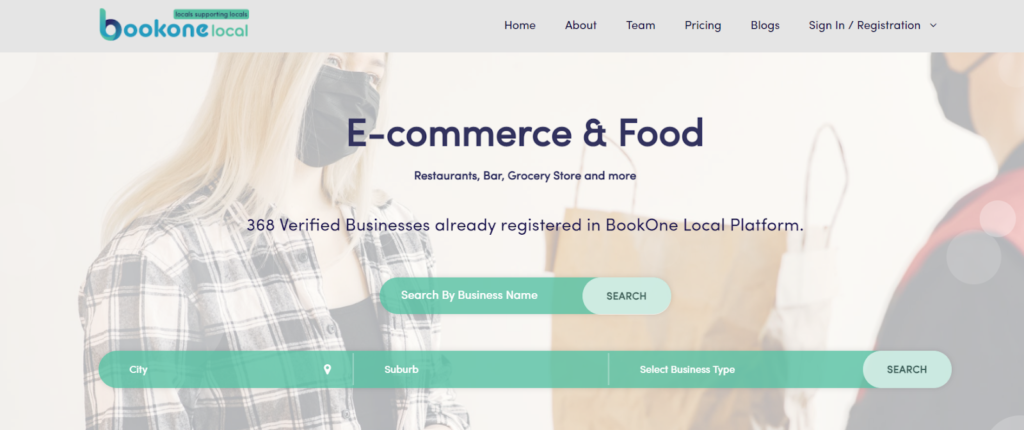
- On the top right corner of your page Click on Sign In / Registration
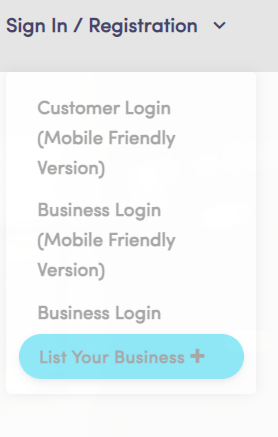
- When You Click on Sign In / Registration, You will get a drop-down menu. Look out for the Business Login Option, Select on Business Login
- Once you click on Business Login, you will Get a Login Page
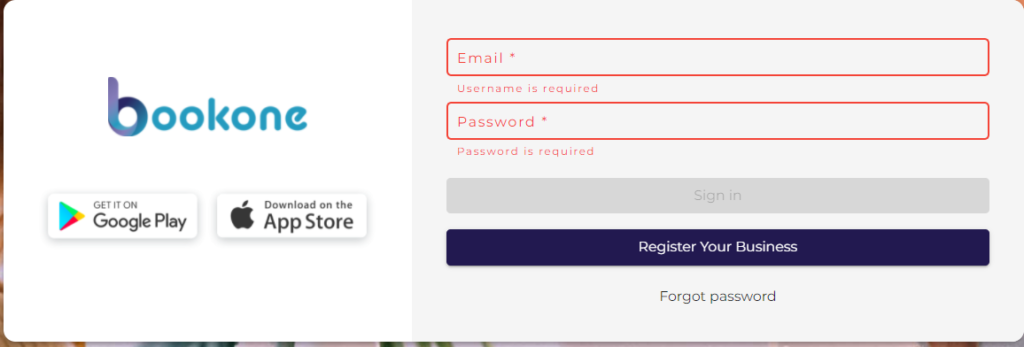
- Enter E-mail id and Password,
- Email: abc@abc.com
- Password: Pass@1234
- Click on “Sign In”
When you click “Sign In” , The Dashboard will be displayed